- |
- Inquiry List
- |
- Sign In or Sign Up



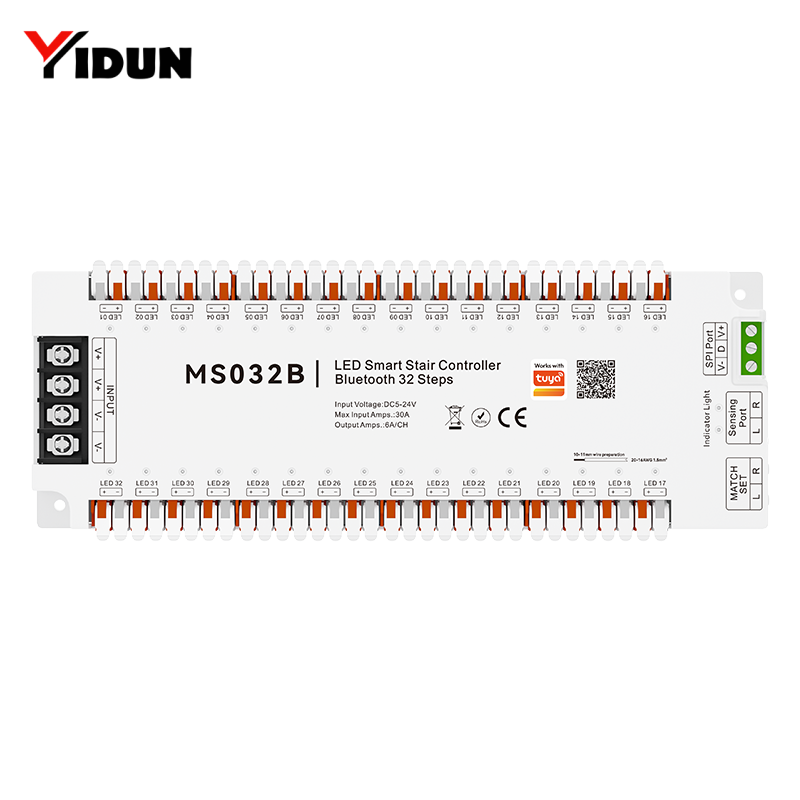
| Item | Specification |
| Input Voltage | DC 5‑24V |
| Input Current | 6A per channel, max. 30A total |
| Communication | MESH 2.4G + Wi‑Fi / Zigbee / Bluetooth (depends on model) |
| Output Type | PWM + SPI(TTL) |
| Dimension | L230 × W87 × H20 mm (L23 × W8.7 × H2 cm) |
| IP Rating | IP20 (controller main body) |
| Operating Temperature | -20℃ ~ +60℃ |
| Max. Case Temperature | +65℃ |
| Certification | CE, RoHS |
| Sensing Distance | 3m |
| Sensing Angle | 180° |
| Remote Control Distance | 30m |
| Trigger Logic | Channel R: Lights turn on from top to bottom Channel L: Lights turn on from bottom to top |
| Signal Extension | 5‑meter extension cables included, maximum extendable up to 200m |
| Package Size | L260 × W110 × H60 mm |
| Package List | Controller ×1, Wire‑mark sticker ×1, User manual ×1, Human‑body sensor ×2, Surface‑mount sensor base ×2, Screws ×2, 5M extension cable ×2 |
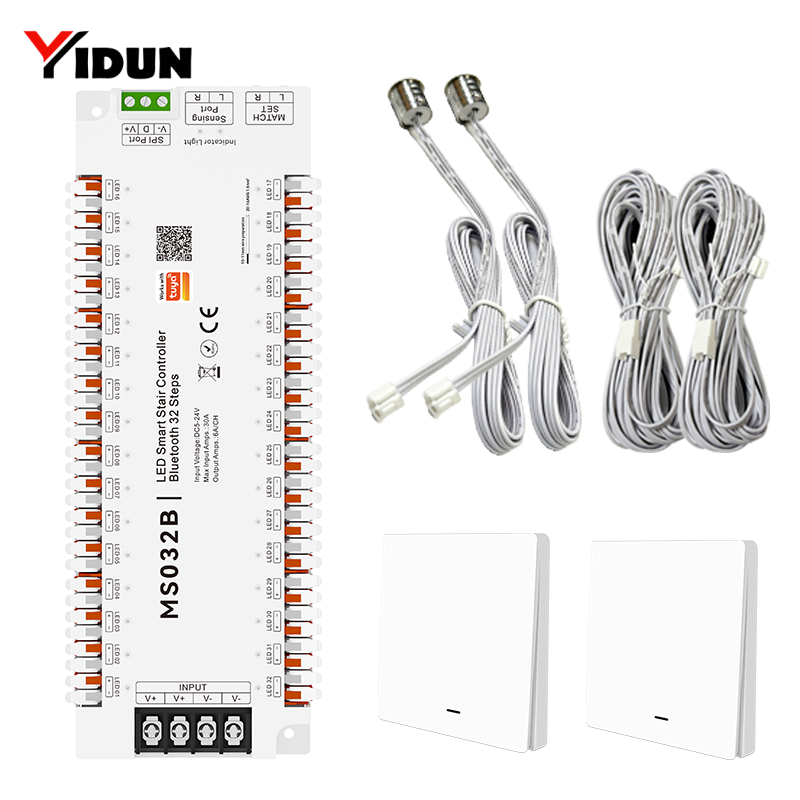
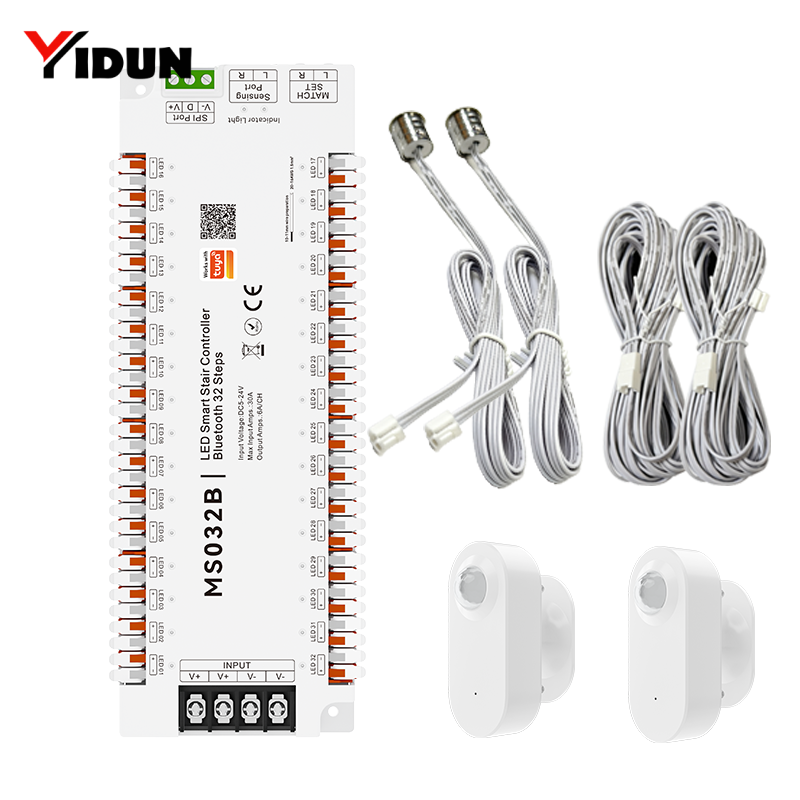
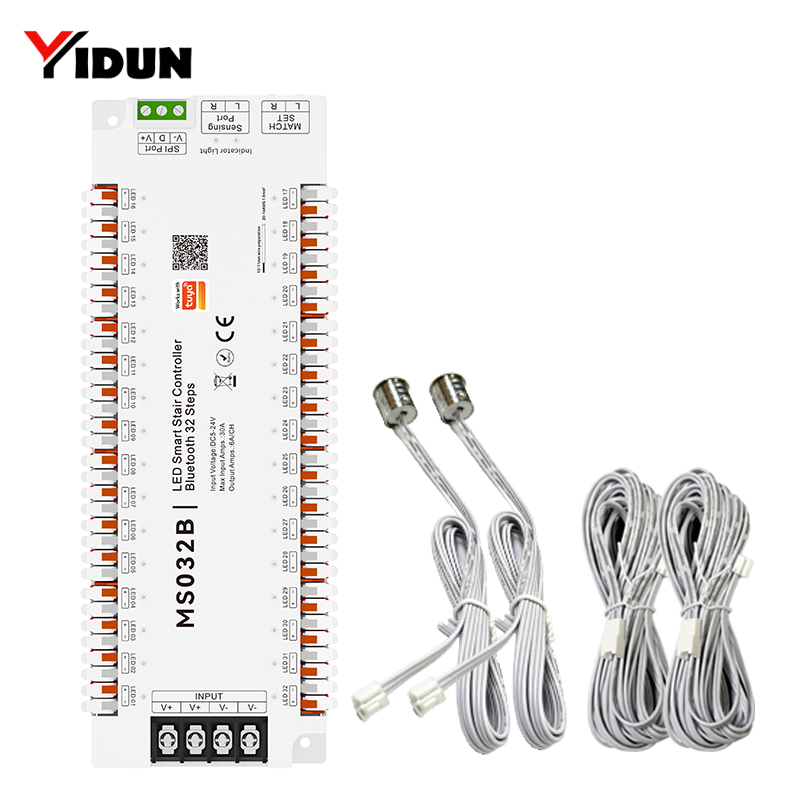
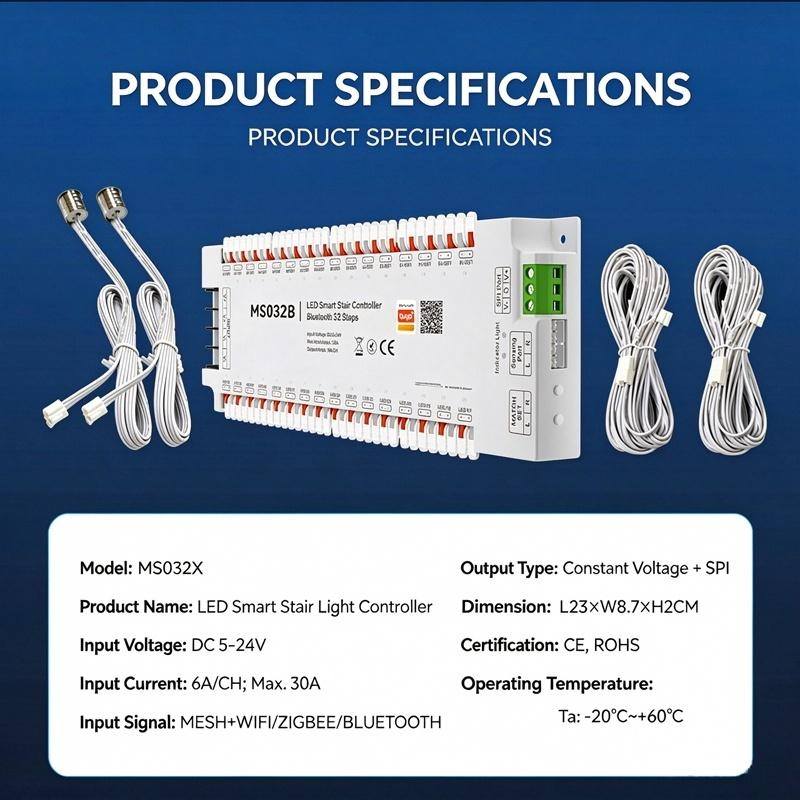
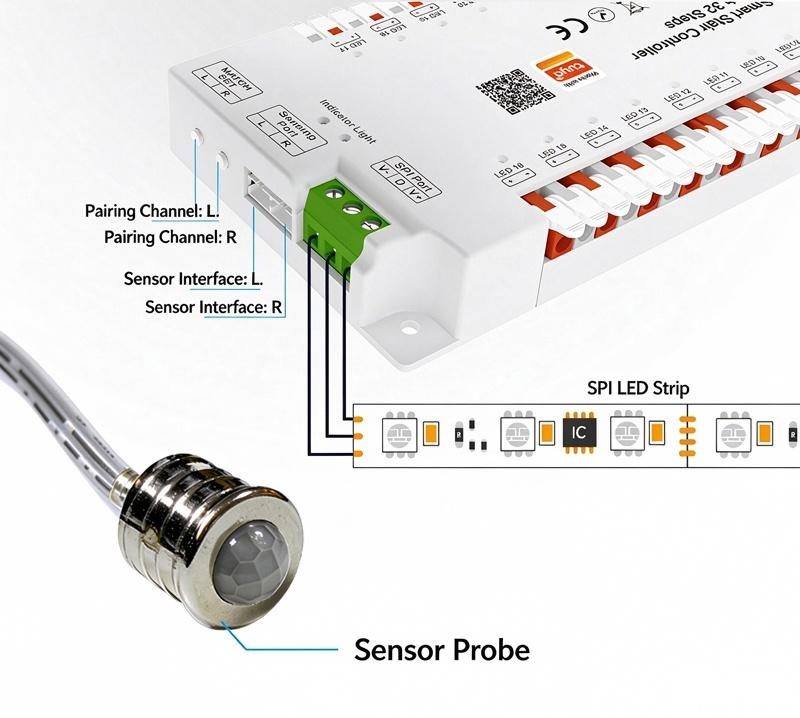
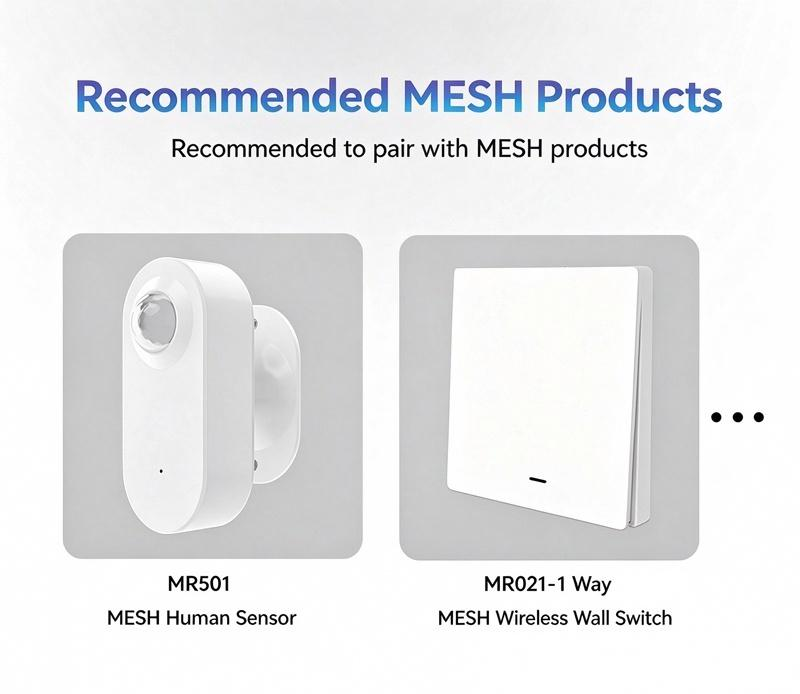
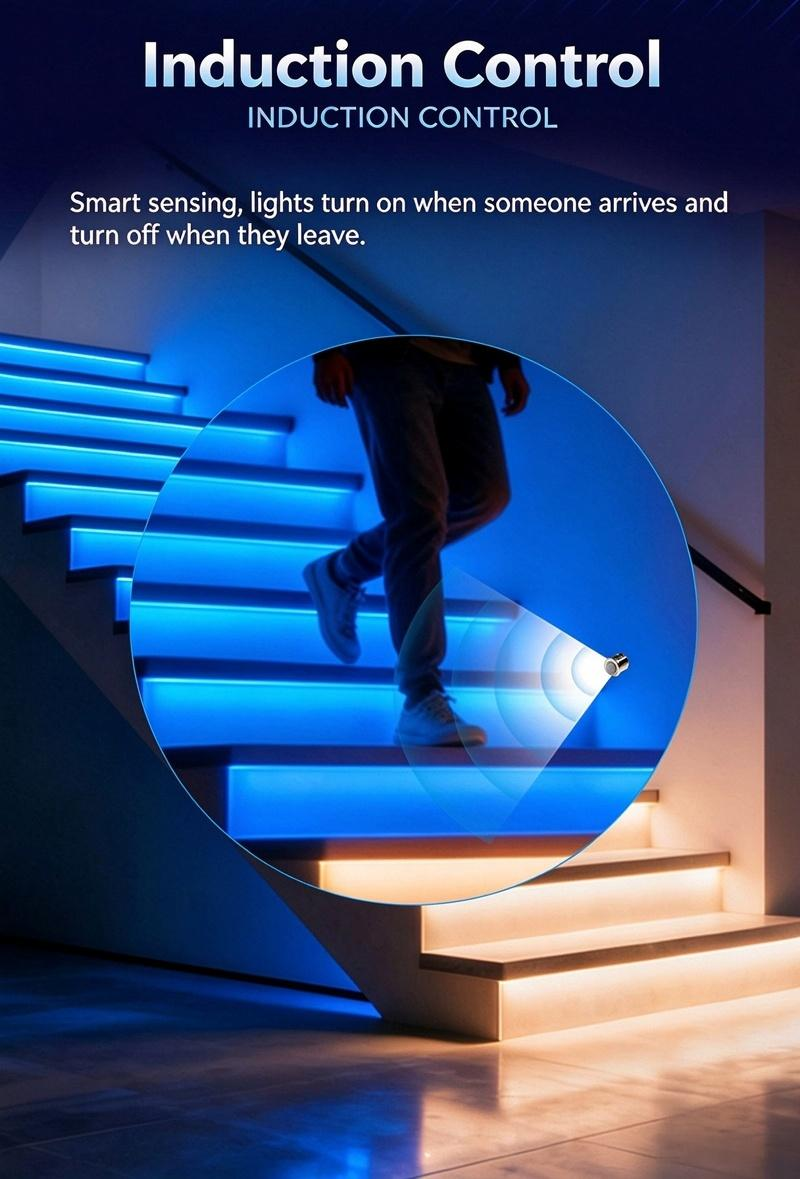
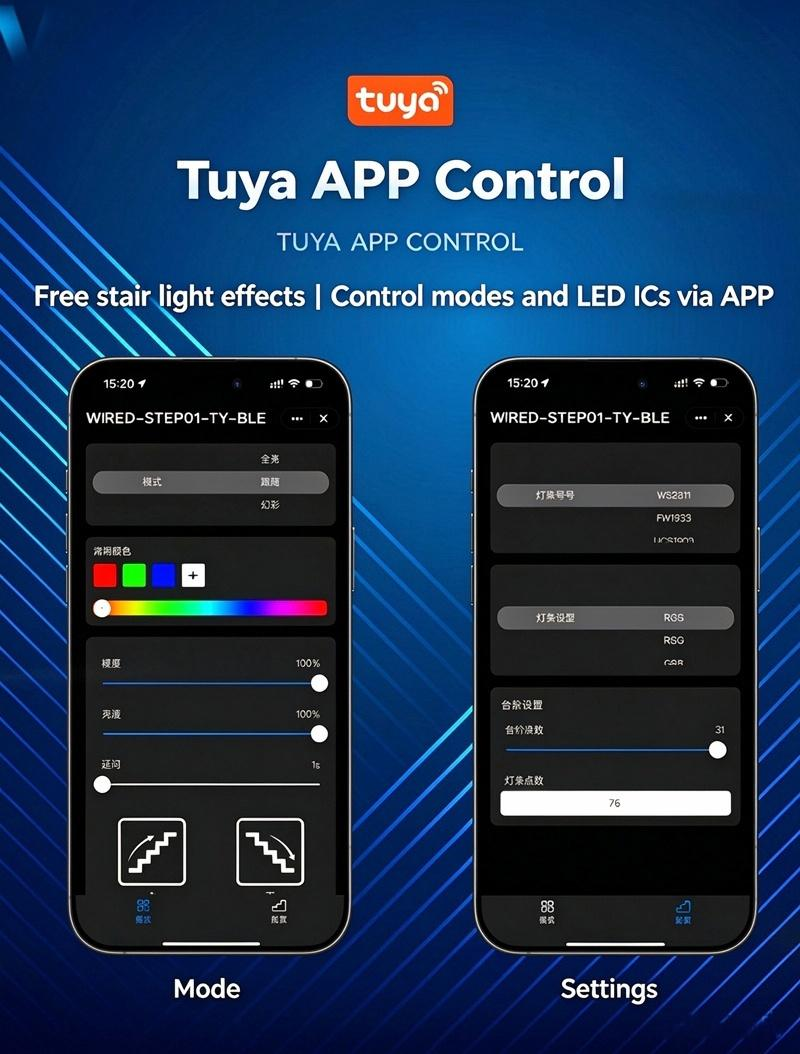
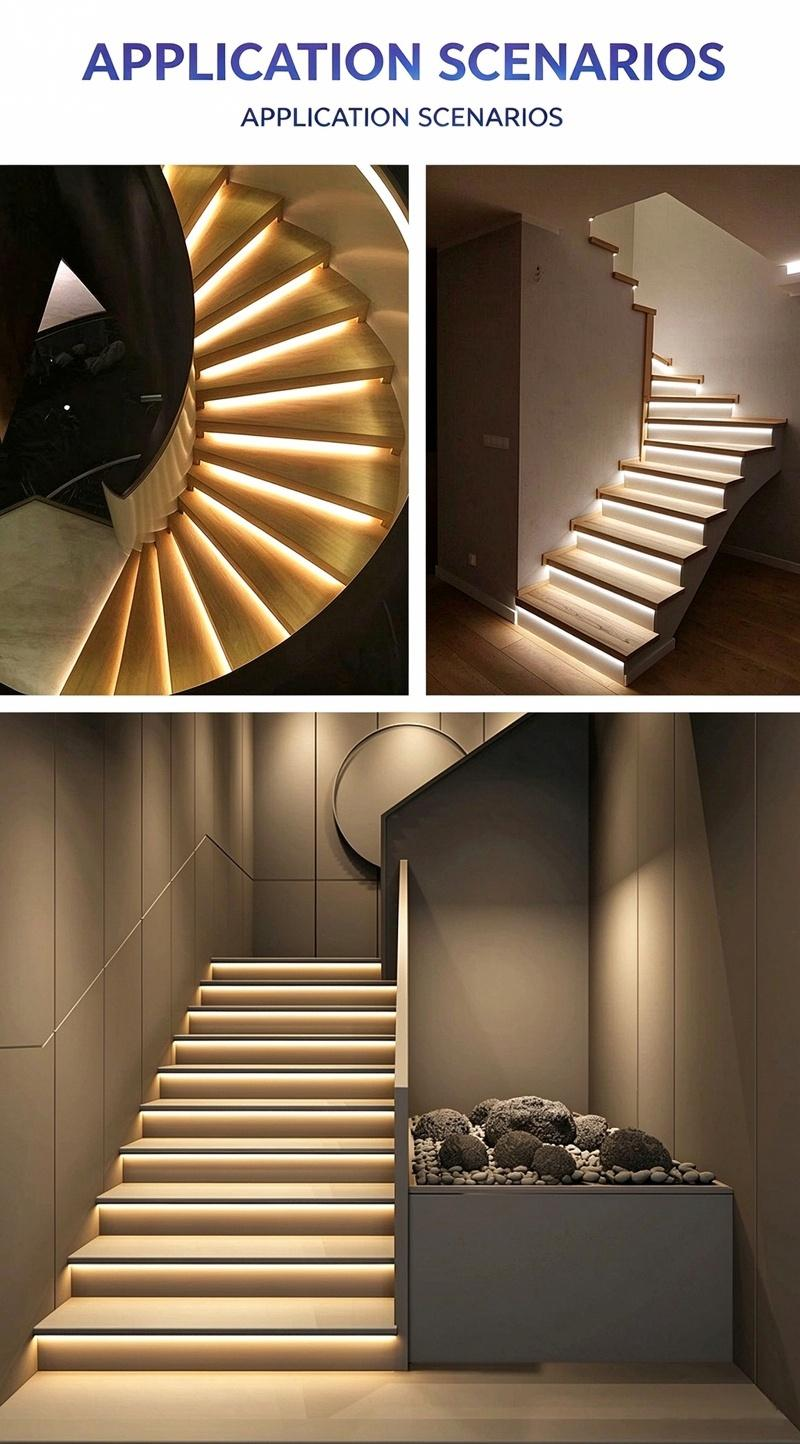
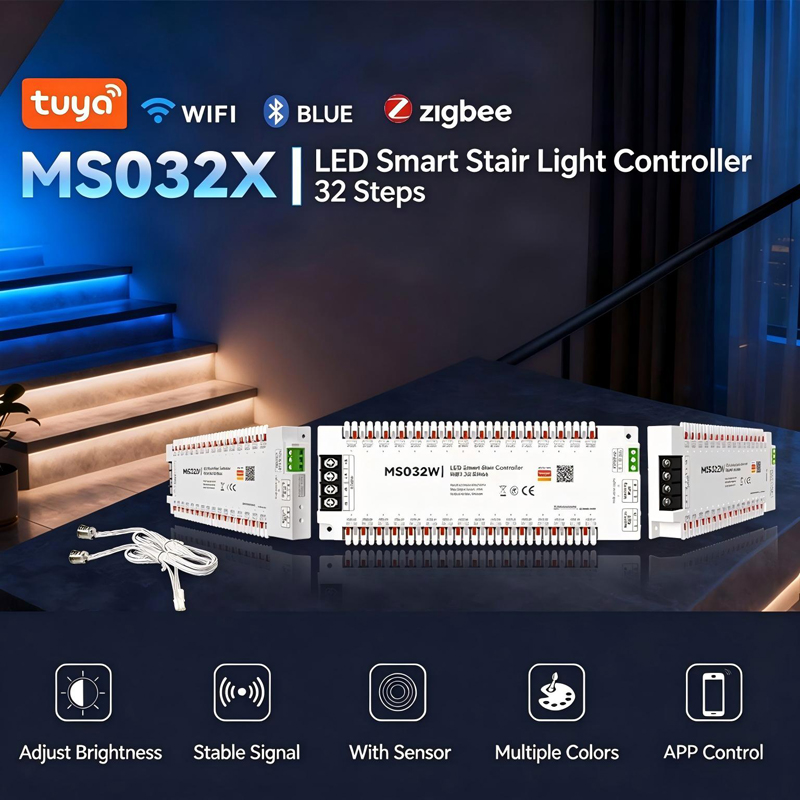
This smart LED controller is designed for stair lighting. When the human body sensor detects someone on the stairs, the LED strips on each step light up one by one, creating a guided light path that switches off automatically after the delay time. It supports multi-mode control (app, voice, remote and sensor), 1-100% dimming and six dynamic RGB effects. It works with cuttable constant-voltage single-color LED strips and SPI digital RGB LED strips, for indoor and outdoor stairways, villas and duplex buildings.
Two sensor channels control the light direction:
The controller includes two human body sensors, one for the top of the stairs and one for the bottom. When a sensor detects movement, the steps light up in sequence toward the other end, then switch off after the set delay time (1-32 seconds). This gives you light exactly when and where it is needed, without leaving the stairs lit all night.
All three versions share the same lighting features. The difference is how they connect to the Tuya app.
Rule of thumb: one staircase and simple control - Wi-Fi or Bluetooth. Whole-house automation - Zigbee.
Beyond simple on/off, the controller offers six dynamic effects for RGB strips:
For each mode you can adjust the running speed (1-100%) and brightness (1-100%), so the effect can be subtle for night use or vivid for parties.
The 200m extension range means the controller can be installed in a distribution box or equipment room far from the staircase, with only the sensors and strips on site.
1. Sensor pairing
Hold the R key for 3 seconds for R-channel pairing, or the L key for 3 seconds for L-channel pairing. Release the key when the indicator flashes fast, then press the pairing button on the sensor to complete pairing.
2. App network configuration
Hold either the R or L key for 5 seconds. Release when the indicator flashes slowly - the controller is now in pairing mode. Follow the prompts in the Tuya app to finish the connection.
3. Factory reset
Hold either the R or L key for 10 seconds. Release when the indicator turns fully off. The controller clears its Wi-Fi and sensor pairing data and restores factory settings.
Two human body sensors are installed at the top and bottom of the stairs. When one sensor detects movement, the LED strips on each step light up in sequence toward the other end, then switch off automatically after the delay time you set (1-32 seconds).
Up to 32 steps. The step count and the number of LED pixels per strip (1-1024) are both adjustable in the app, so it fits small indoor stairs and long outdoor stairways.
Wi-Fi and Bluetooth both connect directly to your phone with no hub. Zigbee needs a Tuya Zigbee gateway but integrates with a whole-house smart home system. For a single staircase, Wi-Fi or Bluetooth is enough.
Constant-voltage single-color strips for white lighting, and SPI digital RGB strips for color and dynamic effects. Compatible IC chips include WS2811, FW14935, UCS1903, TM1812, SK6812 and WS2814. Strips can be cut to fit each step.
Yes, when matched with waterproof LED strips. The controller body is IP20, so it must be installed in a dry, protected location, and the sensors must not be exposed to rain or immersed in water.
The sensing distance is 3m with a 180° angle. If the controller is installed far from the staircase, the included 5-meter extension cables can extend the sensor signal up to 200m.
Hold the R or L key for 5 seconds until the indicator flashes slowly, then follow the app prompts. The Wi-Fi version needs a 2.4GHz network, the Bluetooth version pairs directly on your phone, and the Zigbee version must be added through a Tuya Zigbee gateway.
Input is DC 5-24V. Each channel supports 6A, with a maximum of 30A in total. Match the strip voltage to the controller output and do not exceed the current limits.


